Creative Studio · Creativity
Web Builder
Drag HTML tags and CSS style blocks to build and style a web page, step by step.
Play Web Builder More Creative Studio games
- Ages 8 to 14
- Learning game
- Plays in the browser

About Web Builder
Web Builder is an HTML and CSS game for children aged 8 to 14 who want to learn how web pages are made. Players drag tag blocks into a column, and a small live page appears beside them. The aim is to make it match a goal page.
Each stage teaches one idea, from headings and pictures to lists, links, colours, margin and padding. The page is a simple drawing made by the game, so children can experiment freely and see the result straight away.
How to play
- Read the short lesson at the top of the stage and look at the goal page.
- Drag tag blocks into the column, or drag style blocks onto a part of the page.
- Watch the live page on the right change as you build.
- Match the goal page, then read the fact that explains what you used.
Three levels, one game
Children build pages with h1, p and img, choose between ul and ol lists and the a link tag, then paint headings and paragraphs with color and background-color. A final stage uses margin to leave space around parts of the page.
Players put headings, lists and links in the right order, then fix a page that was built with the wrong tags by removing them and dragging in the right ones. The style stages combine several CSS rules on one part and use margin and padding together.
Questions about Web Builder
Does Web Builder use real HTML and CSS?
Yes, it uses real tags such as h1, p, img, ul, ol and a, and real CSS properties such as color, background-color, margin and padding. The page itself is a small drawing made by the game, not a full web page, so children learn the ideas without needing to type code.
#What is the difference between margin and padding in Web Builder?
Margin is empty space outside a part of the page, shown in orange. Padding is space inside it, between the edge and the content, shown in green, and the background colour fills the padding but not the margin. Margin is taught from the 8 to 10 level and padding at the 11+ level.
#What happens in the Fix the bugs stage?
The page starts already built, but with wrong tags, such as a small heading where the main title belongs or plain text where a link or list should be. Children remove the wrong blocks with their cross and drag in the right ones to match the goal page. This stage is in the 11+ level.
#Can my child play Web Builder without paying?
Yes. Web Builder is a learning game for children on play.3dw3b.com. It runs in any modern web browser on phones, tablets, Chromebooks and computers, so there is nothing to download.
#More games like Web Builder
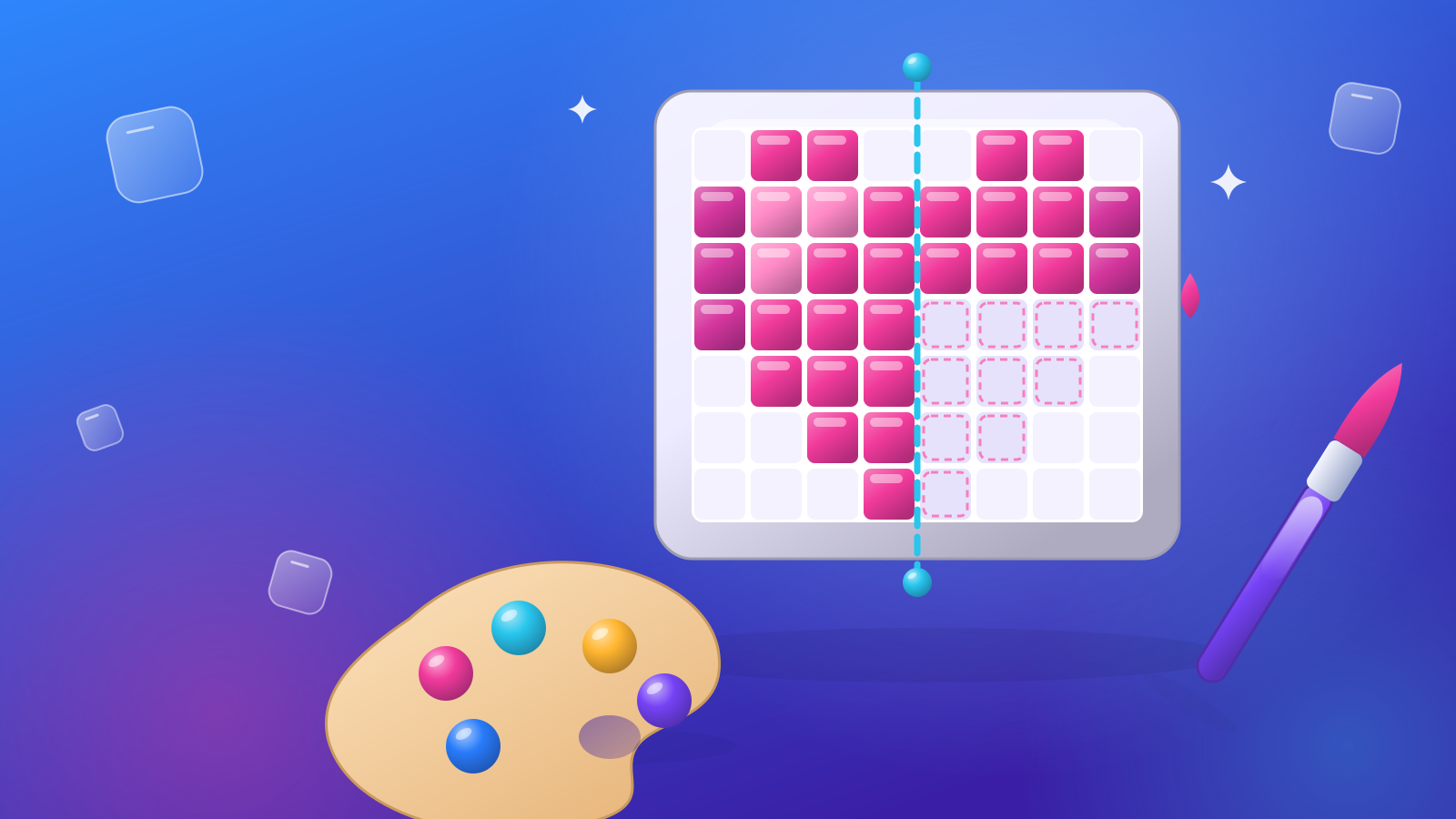
Pixel Studio
Paint pixel art and solve creative-maths missions in symmetry, coordinates and colour.
Ages 5 to 14
Clap and Tap
Clap, stomp, snap and tap: copy patterns, keep a steady count and solve rhythm puzzles with counting and fractions.
Ages 5 to 14
Story Spinner
Spin a hero, place and problem, then write and order your own picture book.
Ages 5 to 14
Colour Mixer
Mix paint to match each colour, then paint a picture for the gallery wall.
Ages 5 to 14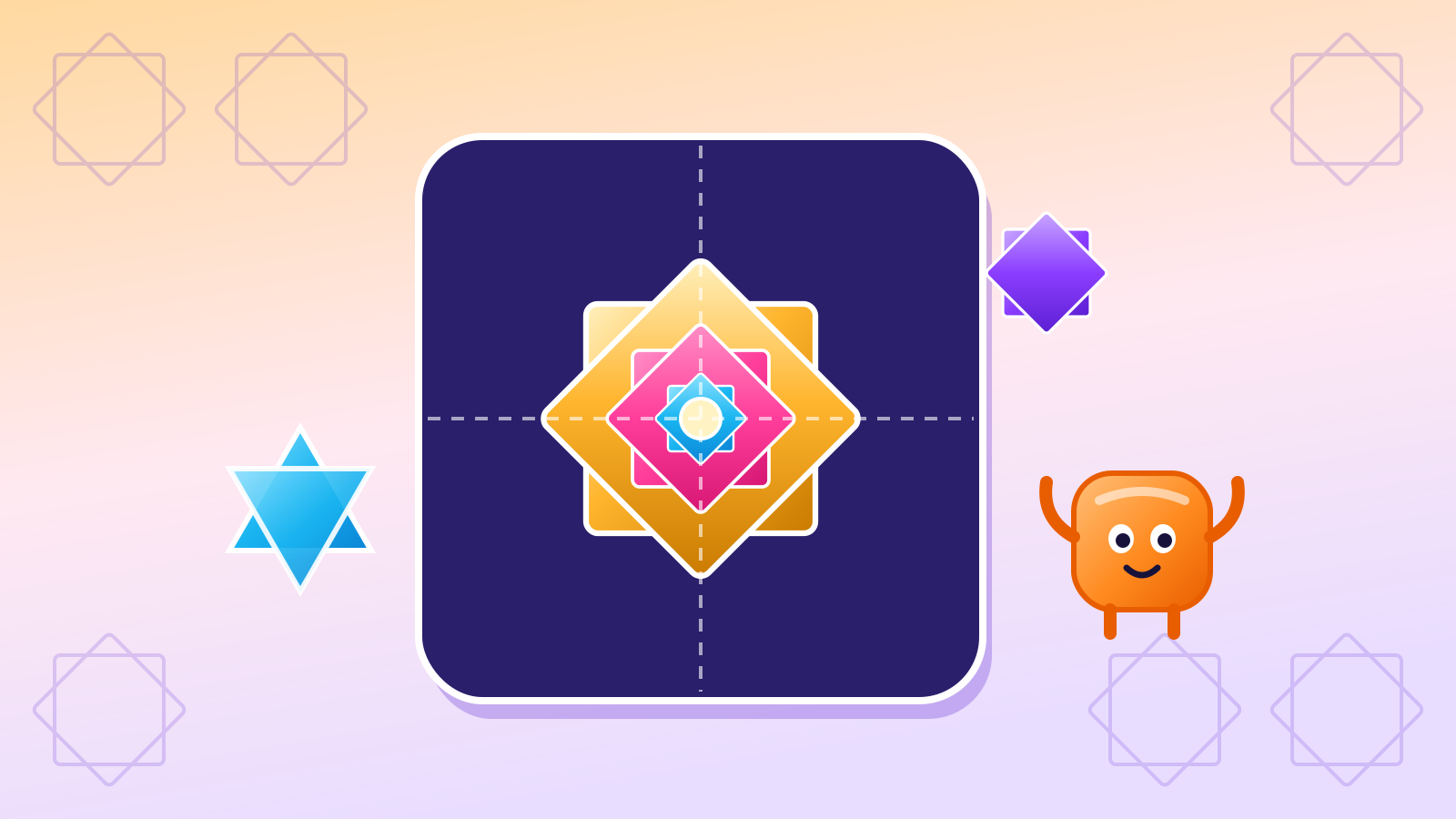
Geometry Tiles
Build mirror and quarter-turn tile patterns, turn shapes into stars and discover the maths of geometric patterns from many cultures.
Ages 5 to 14
Rhythm Room
Drag note blocks into a glowing bar to copy beats, fill gaps so a bar adds up, and compose loops that the Cubie band plays on 3D drum and xylophone pads.
Ages 5 to 10
Want games like these for your organisation?
We design custom and white-label learning games for schools, academies, charities and companies.