Creative Studio · Creativity
Pixel Studio
Paint with pixels, mix colours and crack creative maths missions.
Play Pixel Studio More Creative Studio games
- Ages 5 to 14
- Learning game
- Plays in the browser
About Pixel Studio
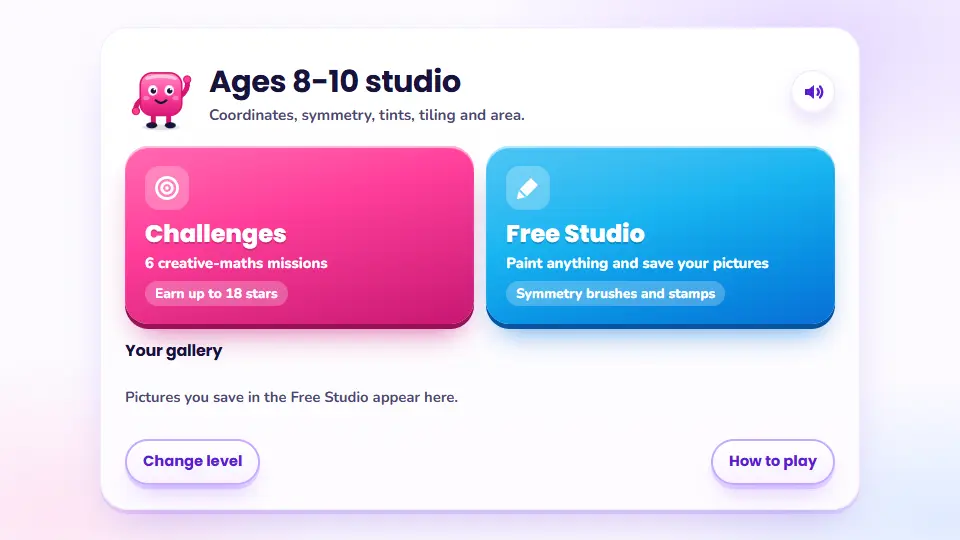
Pixel Studio is a pixel art game for children aged 5 to 14 that turns painting into maths practice. Each level has six missions on a grid, from colour mixing and mirror images to coordinates, area, rotations and scale drawings.
Every mission is made fresh each time, so the pictures and numbers change from round to round. There is also a Free Studio with symmetry brushes and shape stamps, where children can paint anything they like and keep their pictures in a gallery.
How to play
- Choose your level to open the studio.
- Pick Challenges for the six missions, or Free Studio to paint anything you like.
- Read the mission, then tap or drag to paint the grid, using the bucket to fill an area and the eraser to rub out.
- Press Check: getting it right first time earns 3 stars, second time 2 stars, and after that 1 star.
- In Free Studio, try the symmetry brushes and shape stamps, then save your picture to your gallery.
Three levels, one game
Mix primary colours, sort warm and cool colours, finish mirror images, colour by number, carry on a repeating pattern and stamp shapes.
Paint squares from coordinates, reflect patterns across two mirror lines, make tints and shades, fill a tessellation and paint shapes with a given area and perimeter.
Work in all four quadrants, build rotational symmetry, carry out translations, reflections and rotations, use complementary and analogous colours, enlarge by a scale factor and shade fractions and percentages of a grid.
Questions about Pixel Studio
What maths does Pixel Studio cover?
Pixel Studio covers symmetry, repeating patterns, 2D shapes, coordinates, area and perimeter, tessellation, transformations, scale drawing, and fractions and percentages. The topics grow harder across the three age levels, and every mission is checked on the grid when the child presses Check.
#Which colour mixing rules does Pixel Studio teach?
It follows the traditional paint model taught in primary school, where red, yellow and blue are the primary colours. Mixing two of them makes orange, green or purple, and older children use a 12-colour wheel to find complementary and analogous colours.
#Can children paint freely in Pixel Studio, not just do missions?
Yes. The Free Studio lets children paint any picture with symmetry brushes and shape stamps. They can save their pictures and see them in their own gallery.
#Can my child play Pixel Studio without paying?
Yes. Pixel Studio is a learning game for children on play.3dw3b.com. It runs in any modern web browser on phones, tablets, Chromebooks and computers, so there is nothing to download.
#More games like Pixel Studio
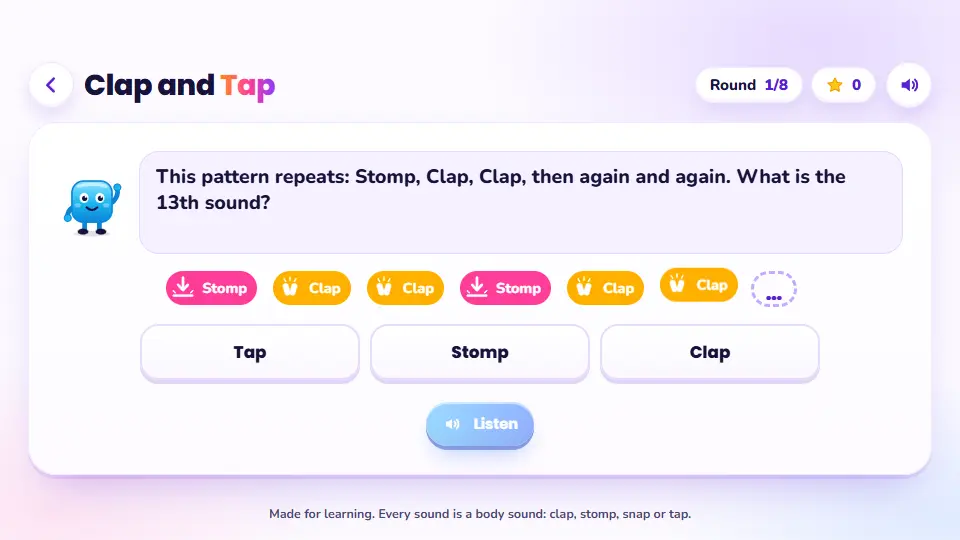
Clap and Tap
Clap, stomp, snap and tap: copy patterns, keep a steady count and solve rhythm puzzles with counting and fractions.
Ages 5 to 14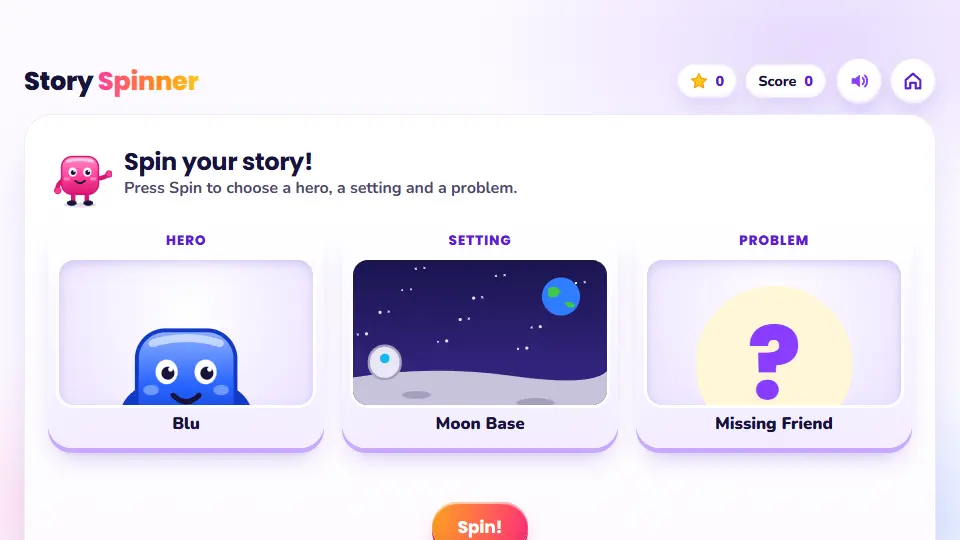
Story Spinner
Spin a hero, place and problem, then write and order your own picture book.
Ages 5 to 14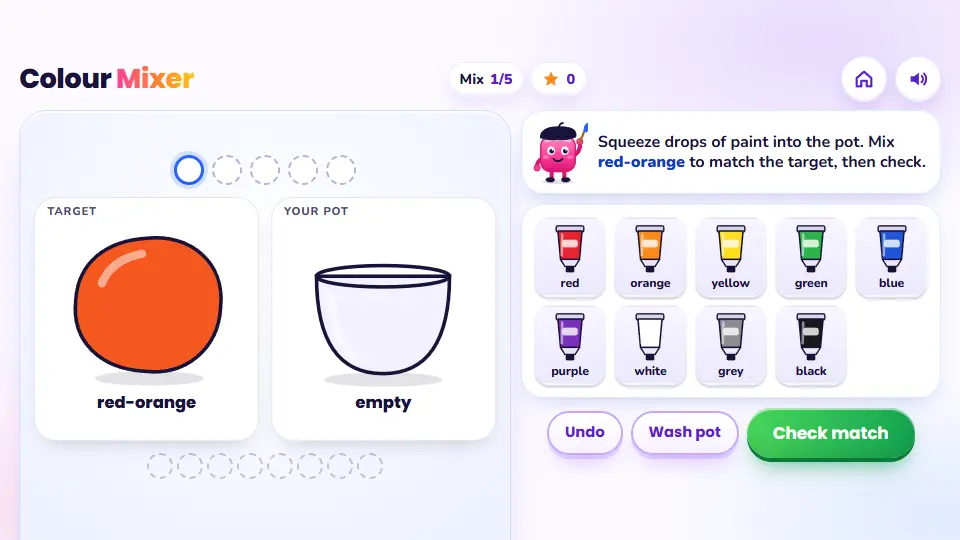
Colour Mixer
Mix paint to match each colour, then paint a picture for the gallery wall.
Ages 5 to 14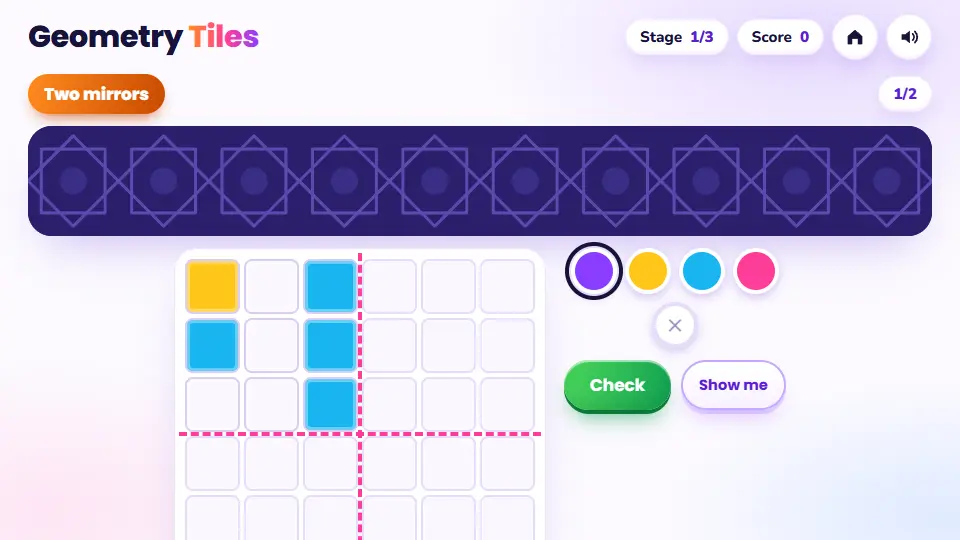
Geometry Tiles
Build mirror and quarter-turn tile patterns, turn shapes into stars and discover the maths of geometric patterns from many cultures.
Ages 5 to 14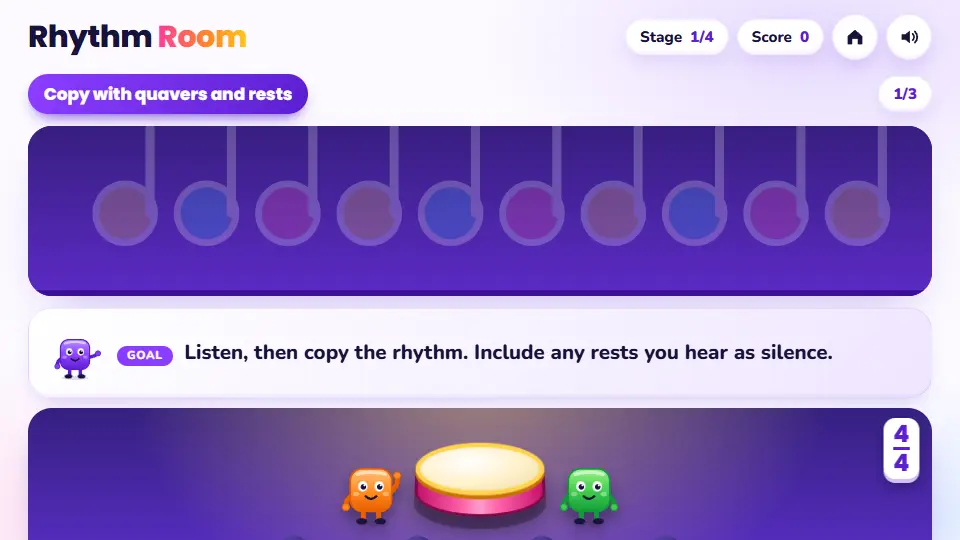
Rhythm Room
Drag note blocks into a glowing bar to copy beats, fill gaps so a bar adds up, and compose loops that the Cubie band plays on 3D drum and xylophone pads.
Ages 5 to 10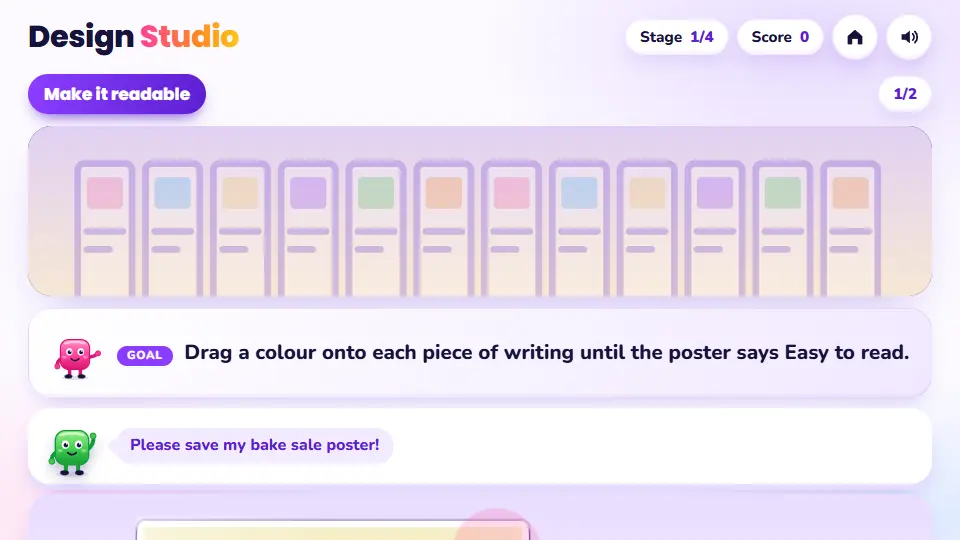
Design Studio
Fix messy 3D posters: make words easy to read, balance the heavy parts, line things up and pick colours that go together.
Ages 8 to 14
Want games like these for your organisation?
We design custom and white-label learning games for schools, academies, charities and companies.